
ChatGPT’s New Memory Feature: What It Means for Your Business
I’ve been keeping an eye on ChatGPT, and there’s a new feature out that’s worth talking about. They’re calling it ‘Memory Full Context,’ but I’m not sure how reliable this memory is going to be in the long run.
What Happened
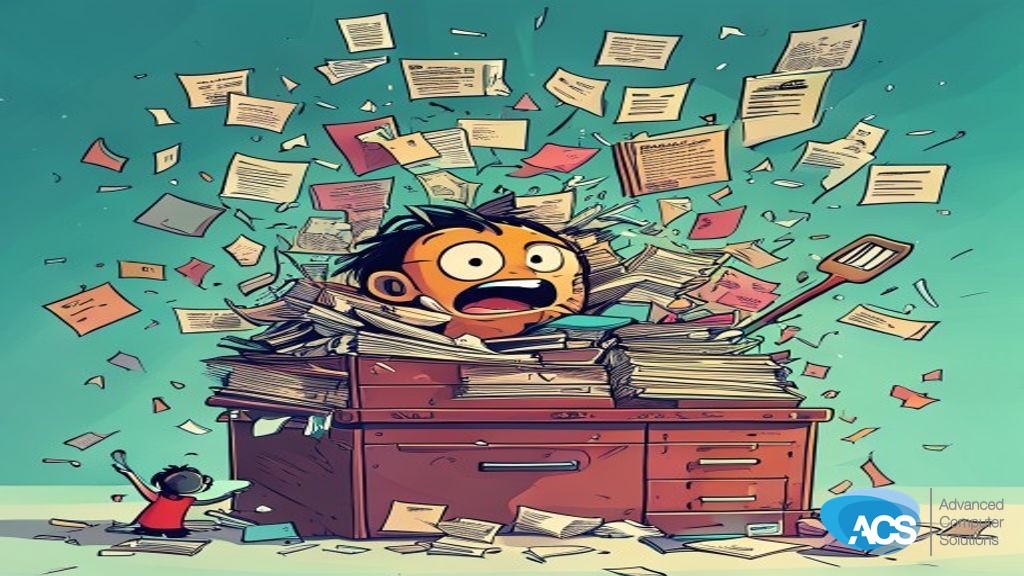
OpenAI recently launched a new feature for ChatGPT called ‘Memory Full Context.’ It’s supposed to make ChatGPT remember everything across all conversations. But here’s the thing: it doesn’t work like human memory. You know, with cloud storage, they have to do something called compaction every so often. This means that while it remembers highlights, a lot of context gets lost in the process.
And if you think about RAM, it’s even worse. It forgets stuff over time because there’s no way it can keep all that memory alive forever. So whenever they write things down, they lose some context. This means ChatGPT might not be as reliable as we’d like when it comes to remembering every little detail.
What This Means for Your Business
The villain here is the uncertainty of relying on a tool that can’t always recall everything accurately. If you’re using ChatGPT for customer support or internal documentation, this could mean your team might not get consistent information. You don’t want to be in a situation where critical details are lost and you’re left guessing what happened last time.
This is especially important if you have sensitive data or need precise records. The more context that gets lost, the harder it becomes for your business to operate smoothly and confidently. You can’t afford downtime or wasted hours because of unreliable memory in your tools.
What To Do This Week
- Evaluate how ChatGPT is being used: Check if you’re relying on it for critical tasks where context matters a lot.
- Document any issues: Keep track of instances where information seems to be lost or not recalled properly.
- Talk with your team about alternatives: Discuss whether there are other tools that might work better for your needs, especially if you need precise and consistent memory.
Wondering what AI should actually look like inside your business? ACS runs AI for small companies the way an MSP runs IT: governance, Copilot management and custom agents under one plan. See Managed Intelligence or start with the AI Readiness Assessment.
Questions about how this affects your setup? Schedule a free IT consultation and we’ll walk through it with you.