
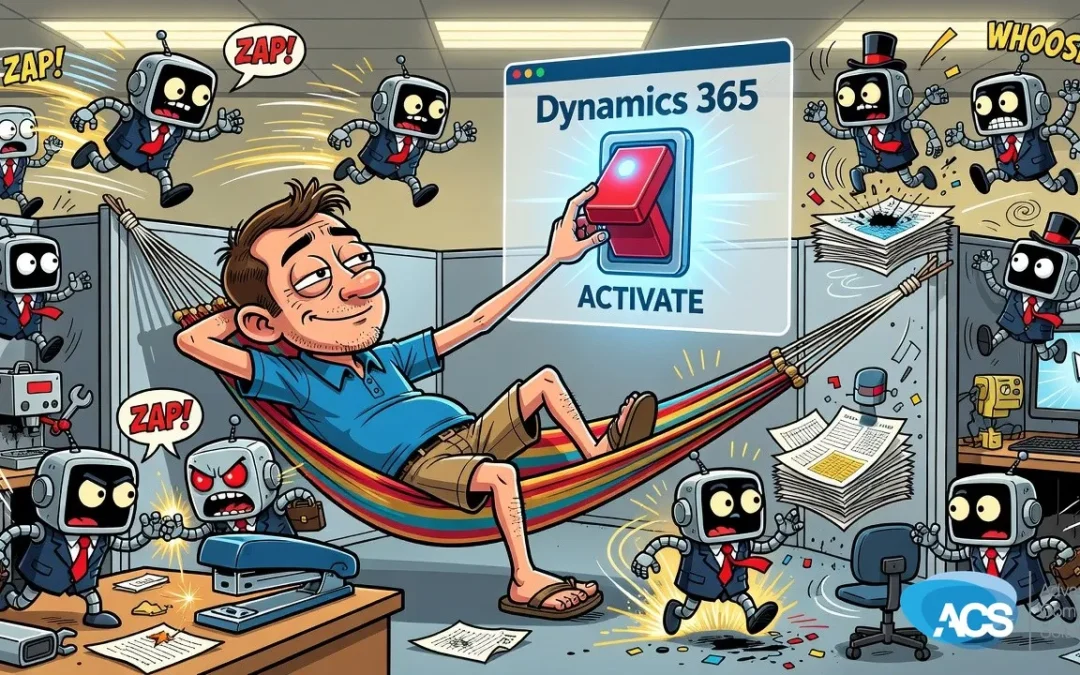
Microsoft Is Making It Easier to Put AI to Work Inside Dynamics 365 This Fall
If you are already running Microsoft 365 and you have been curious about what AI can actually do for your sales, service, or operations — this is the update worth paying attention to.
Microsoft is rolling out something called the Activate program for Dynamics 365. The short version: it is a guided path that lets you turn on agentic AI features without needing a big IT project to get there. Low lift. Real automation. And it is coming this fall.
So What Is Actually Happening Here
Dynamics 365 is Microsoft’s business management platform — think CRM, operations, customer service, all of that living inside the Microsoft ecosystem you probably already use. The Activate program is Microsoft’s way of lowering the on-ramp to the AI features they have been building into it.
What makes this different from the usual software announcement is the phrase “low IT lift.” That matters for a small business. You are not being asked to hire a developer or bring in a consultant for a six-month implementation. Microsoft is building guided paths right into the product so your team can switch on agentic features — meaning AI that can actually take actions, not just answer questions — without it turning into a whole thing.
Copilot is the engine behind a lot of this. And if you are already in the Microsoft 365 world, you are closer to this than you might think. The Activate program is specifically designed to help businesses like yours bridge from where you are now to having AI agents handling pieces of your sales process, your service workflow, and your day-to-day operations.
What This Means If You Run a Small Business
Here is the honest truth about where most small businesses are right now with AI: they have heard a lot about it, maybe played with ChatGPT a few times, and then gone back to doing things the same way they always have. And that is fine — but it is also leaving real time and money on the table.
The villain in this story is not a hacker or a breach. It is the slow grind of manual work that your team does every single day — following up on leads, routing service requests, updating records — stuff that eats hours and creates mistakes. That is the cost of not having automation in place. And for a business under a hundred people, those hours are not cheap. You do not have extra staff sitting around absorbing the slack.
What the Activate program is trying to do is take the “I would love to use AI but I do not know where to start” problem off the table. Instead of staring at a blank screen wondering how to set up an AI agent, you get a structured path that walks you through it. That is a meaningful shift from how this stuff has worked before, where you basically needed someone technical in your corner just to get started.
If you are already on Dynamics 365, this fall rollout is worth taking seriously. And if you have been on the fence about whether Dynamics makes sense for your business, the fact that Microsoft is actively building easier AI adoption into it is a point in its favor.
What to Do This Week
- Find out if you are already on Dynamics 365. This sounds obvious, but a surprising number of small business owners are paying for Microsoft licenses that include Dynamics access and have no idea. Check with whoever manages your Microsoft account — or call us and we will look it up for you.
- Make a short list of the manual tasks that eat your team’s time. Lead follow-up, service ticket routing, order status updates — write down the three things your team does repeatedly that feel like they should not require a human every single time. That list is your starting point for what AI agents can take over.
- Ask about the Activate program specifically. When you talk to your IT provider or your Microsoft rep, use that name. Ask what guided paths are available for your version of Dynamics 365 and when the agentic features are scheduled to go live for your account.
- Do not wait for the perfect moment to start learning this. As Albert put it on air, the cutting-edge AI tools are getting better fast — and the gap between businesses using them and businesses ignoring them is going to keep widening. Fall is right around the corner. Now is a reasonable time to get your bearings before the rollout lands.
Wondering what AI should actually look like inside your business? ACS runs AI for small companies the way an MSP runs IT: governance, Copilot management and custom agents under one plan. See Managed Intelligence or start with the AI Readiness Assessment.
Questions about how this affects your setup? Schedule a free IT consultation and we’ll walk through it with you.
Wherever your team is based, ACS provides hands-on managed IT support — see how we help businesses in Traverse City & Northern Michigan.