
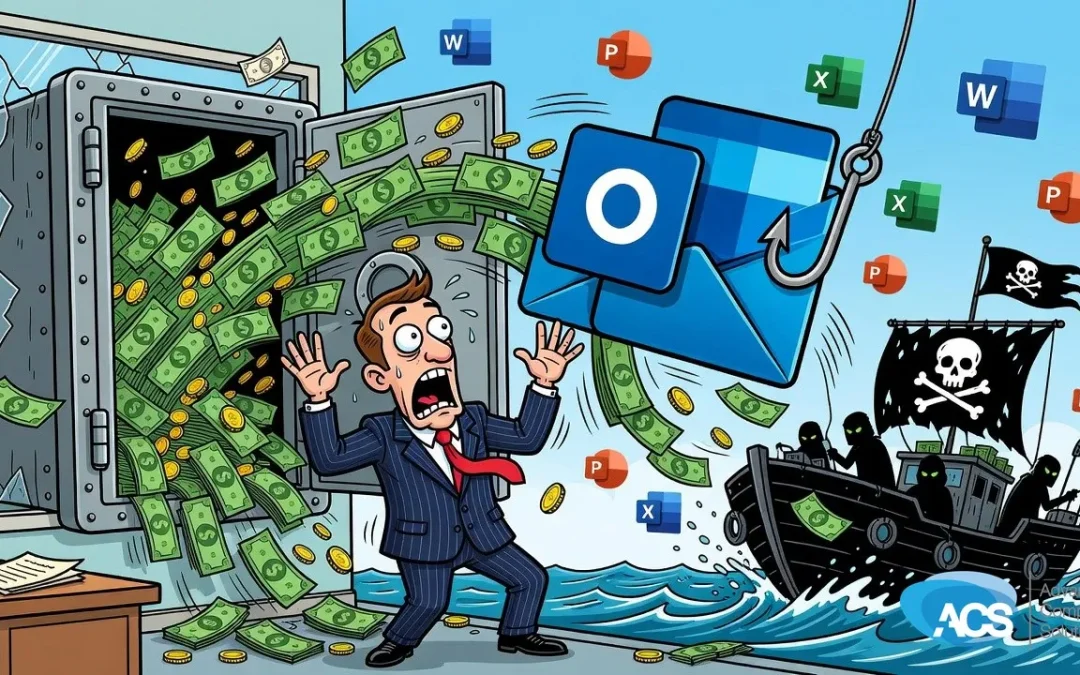
One Email, $1.5 Million Gone: What Every Small Business Using Microsoft 365 Needs to Check
A US investment firm just lost $1.5 million because of a phishing scam that ran through Microsoft 365. And honestly, the fact that it was an investment firm makes it worse. Those people should know way better than to let this happen.
But here is the part that matters for you: the platform involved is the same one that most of you are using right now. Every day. To run your business.
How This Actually Works
The attackers got into the Microsoft 365 email environment and manipulated communications to redirect a payment. That is it. They did not need to blow through some sophisticated firewall. They just changed where the money was supposed to go.
This technique works precisely because people trust email that looks like it came from inside their own company. You get a message that looks like it came from your boss, or a colleague, saying hey, change this payment, send it here instead of there. And people do it.
If you get an email like that, get up and walk down the hall. Talk to that person face to face. And do not think a video call makes it safe, because they can fake that too.
The Settings Problem Nobody Talks About
Something I see constantly: most small businesses are running Microsoft 365 with minimal security settings. The defaults are not enough. They were never enough.
At Advanced Computer Solutions, we configure 365 correctly from the start, and we have staff training available on top of that. If you are in financial services, you are probably legally required to have some of this in place. I know nobody wants to hear that, but the regulations exist for a reason.
One email caused a million and a half dollars in damage. That is not a technology problem alone. It is a human problem. The technical settings reduce your exposure, but your team still has to know what to look for.
What to Do Right Now
Start here, in this order:
- Turn on multi-factor authentication for every Microsoft 365 account. If you do not have MFA turned on, you are at serious risk. Full stop.
- Train your team to recognize phishing emails. Can they spot a fake? Do they know what to do when something looks off? If you are not sure, that is your answer.
- Talk to your IT provider about your 365 configuration. Ask them specifically what security settings are enabled and what tools they have to check your exposure.
You are not going to be perfect. This is a human problem as much as a technical one. But there is no excuse for skipping the basics when one wire transfer can cost you everything.
Questions about how this affects your setup? Schedule a free IT consultation and we’ll walk through it with you.
Wherever your team is based, ACS provides hands-on managed IT support — see how we help businesses in Traverse City & Northern Michigan.