
Windows 11 Update Causing Printer Problems for SMBs
Hello, small business owners! Albert Steed here from Advanced Computer Solutions. We’ve got an important tech issue to discuss today that could affect how you run your day-to-day operations.
The Problem at Hand
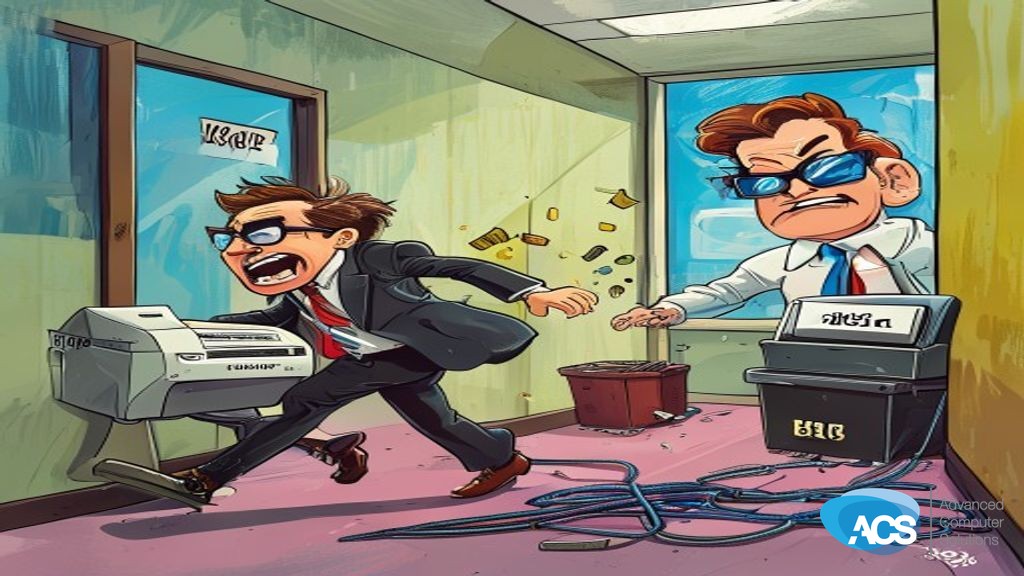
Businesses are reporting issues with printer connectivity following the recent Windows 11 Cumulative Update KB5058411. Network-shared printers from brands like HP and Brother are dropping offline after this update is installed. This issue hits particularly hard for companies still running older systems.
Impact on Your Business
This means downtime when you need it least—imagine trying to get those invoices out or preparing materials for a client meeting only to find your printer isn’t responding. It’s not just frustrating; it’s costing you time and money.
You don’t have the luxury of troubleshooting these issues on top of running your business. This update is causing more problems than solutions, leaving small businesses in reactive mode instead of being proactive and in control.
Action Steps for You
- Check Printer Status: Ensure all printers are working properly and check if any recent updates have been installed on your systems.
- Contact IT Support: If you’re facing printer connectivity issues, get in touch with your IT provider for help. They can diagnose the problem and offer a solution or workaround.
- Hold Off on Updates: Consider delaying this specific update until Microsoft provides a fix if it’s causing problems for you.
Have questions about how this affects your setup? Schedule a free IT consultation, and we’ll help you navigate through it.