
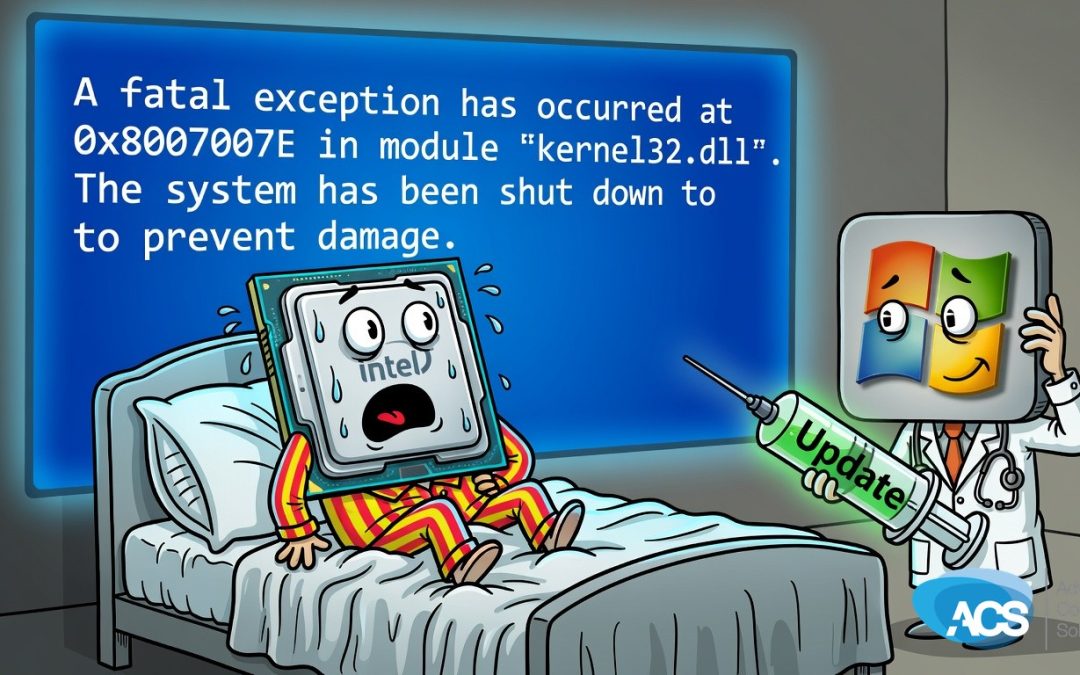
Windows 11 Update Knocking Out Intel PCs on Wake Again
Look, you guys, this is a recurring theme. The June Windows 11 update is blue screening machines with Intel 12th and 13th gen processors right when they wake up.
What Happened
We have to send Windows updates out. If we don’t, you’re going to get cracked, you’re going to get hacked, and you’re going to have a bad day. Unfortunately these updates break things quite consistently.
This is the fourth or fifth time we’ve talked about an update breaking something. Intel 12 and 13 gen PCs are hitting the blue screen on wake after installing the latest patch, and the pattern keeps showing up.
What This Means for Your Business
The villain here is the combination of forced updates and the downtime they create. You need the security fixes to stay safe, yet every time one rolls out you risk machines going down and your team wasting hours getting them back online.
That cost adds up fast for a small business. Lost productivity, frustrated users, and the constant feeling that you’re just reacting instead of staying in control of your own systems.
What To Do This Week
- Check which of your PCs run Intel 12th or 13th gen chips and note the ones that have already pulled the June update.
- Test wake-from-sleep on one or two machines before the rest of the fleet installs, so you know if the blue screen hits.
- Hold off on pushing the update to the rest of your devices until you see a fix or a clear workaround that works in your setup.
- Make sure your backup routine is running cleanly this week so a blue screen doesn’t turn into lost work.
Questions about how this affects your setup? Schedule a free IT consultation and we’ll walk through it with you.