
Happy Thursday, crew — it’s been a long week over here, but a good one, and I’ve got a solid lineup for you today: AI agents and what they actually do for a small business workflow; Microsoft Copilot’s new consumption billing and why you should go check your dashboard right now; why you need a permissions audit before you flip Copilot on; and a few quick hits on Windows settings backup, the Pentagon breach, and the Windows 11 26H2 update.
Let’s get into it.
Or watch on YouTube.
AI Agents Are Different From Chatbots — and That Difference Matters
The Small Business and Entrepreneurship Council put out an article this week on AI agents coming to small business. I’ll be honest: they’re a few months to a year behind the curve on this one. But I read it anyway, because it’s worth knowing what the mainstream conversation is catching up to.
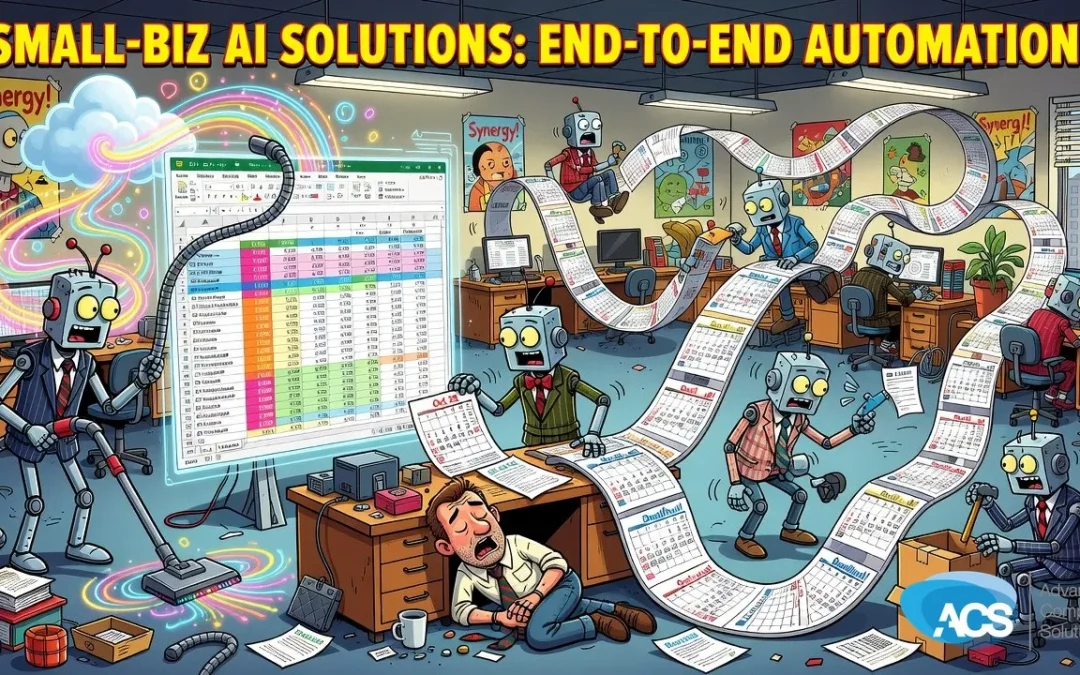
Most people still think of AI as a very smart chatbot. You type something in, it types something back. Useful, sure. But agents are a completely different animal. An agent doesn’t just answer a question — it handles a workflow from end to end. Scheduling follow-ups, processing data, moving information between systems, making decisions at each step without someone babysitting every click. The article uses those examples, and they’re fine, but I’ll tell you the agents I’m running are doing things considerably more involved than that.
The key insight on agents: if you are good at writing things down — your process, your steps, your decision rules — an agent can be as smart as you are, or smarter, because it can pull from everything you’ve written, everything it knows, and everything it can find. That’s the real power. It’s not magic. It’s structured knowledge plus automation.
Right now my go-to agent system is Claude. It’s one of the more capable tools out there, and also one of the more expensive. I’ve been experimenting with Grok (from Elon’s team) as a more affordable alternative, and the honest assessment so far is that Grok isn’t quite there yet — not because the underlying model is necessarily weaker, but because the tool ecosystem around it isn’t as built out as Claude’s. That matters a lot when you’re building multi-step workflows. I’ll keep testing and report back.
The practical question for your business: do you have processes that require the same steps every single time? That’s your agent opportunity. And before you go shopping for a new tool, check what you already have. Microsoft Copilot has agent-like features. Your CRM might too. I was talking to someone recently who spent four hours wrestling with a website builder, then discovered the AI assistant built into the platform and had everything fixed in fifteen minutes. The capability was there the whole time. Worth digging into what you’re already paying for.
Copilot Consumption Billing: Go Check Your Dashboard Today
This one I want you to actually do something about, not just read and nod.
Microsoft is turning on consumption billing for Copilot. What that means in plain language: once you hit your token limit (tokens are essentially the units of AI processing you’re buying with your subscription), instead of just stopping and telling you you’ve hit the wall, Microsoft can now automatically start charging you for more. Without a separate confirmation from you. Without a big warning. Just… a bigger bill.
I don’t love that. My preference is always: hit the limit, show the user a message, let them decide if they want to pay for more. That’s how it should work. Flipping on auto-billing in the background is the kind of thing that produces a very unpleasant surprise at the end of the month.
Alert readers who are heavy Copilot users, this is especially relevant to you. The smarter the AI model you’re running, the faster it burns through tokens. There’s a significant gap now between the least capable and most capable models, and if you’re running the good stuff hard, your allotment goes fast.
What to do: log into your Microsoft 365 Admin Center. If you’re not sure where to look, literally ask Copilot — it’ll point you to the right spot. Find the consumption billing setting and, in my opinion, turn it off. Run out of tokens before you run up an unexpected bill. I’ve heard stories of organizations burning through staggering amounts on tokens in a month. You don’t want to be that story.
Before You Enable Copilot, Run a Permissions Audit
This is something we’ve talked about with clients before, and it keeps coming up because people keep skipping this step.
When you turn Copilot on, you are essentially handing a very intelligent, very fast assistant the keys to everything it can reach in your environment. SharePoint, OneDrive, potentially local files depending on how things are configured. Copilot will find data that users technically have access to but that nobody ever expected to surface in a conversation. And it will surface it, because that’s what it’s designed to do.
The failure mode isn’t Copilot doing something wrong. The failure mode is your permissions being wrong — and Copilot being the thing that finally makes that visible in the worst possible way. HR files visible to employees who shouldn’t see them. Client files accessible to other clients. Financial records with broader access than anyone realized.
The fix is a permissions audit on your SharePoint and OneDrive before you flip the switch. It’s not complicated, it does require some IT skill to do properly, and it doesn’t take a lot of time or money. It’s just a step that needs to happen. Don’t skip it because you’re excited to try the new thing.
Quick Hits: Windows Backup, the Pentagon Breach, and the 26H2 Update
Windows Settings Backup is now automatic for Entra-joined devices. Most of our clients are on Entra (formerly Azure AD) rather than a local domain controller, so this applies to you. A lot of your Windows and Microsoft 365 settings will now follow you from device to device automatically. Swapping to a new machine gets meaningfully less painful. This is good engineering. Should have shipped years ago, but it’s here now.
Pentagon HR breach, 3+ million records. I bring this up not to alarm you but to make a specific point: the Pentagon has a security budget that would make your eyes water, and they still got hit. So the “I’m just a small business in a small town, nobody’s coming after me” logic doesn’t hold. They don’t know who you are. They don’t know where you are. The internet is the ultimate shotgun — it costs almost nothing to spray attacks across the entire world simultaneously. You’re not being targeted because you’re important; you’re being targeted because you’re reachable. That’s the conversation worth having.
Windows 11 26H2 arrived as a lightweight enablement package. The honest takeaway: Windows updates can break things, this one included. We do our best to push the most critical updates quickly and hold back anything we know is causing problems until Microsoft patches the patch. But we can’t test every update against every application across every device configuration — nobody can. If something starts behaving strangely after an update, that’s the first thing to mention when you call.
Anyway. That’s the week. Go check that Copilot billing setting, and have a great weekend.
— Albert
Questions about anything we covered today? Schedule a free IT consultation and we’ll walk through it with your business in mind.
Wherever your team is based, ACS provides hands-on managed IT support — see how we help businesses in Central Florida.