
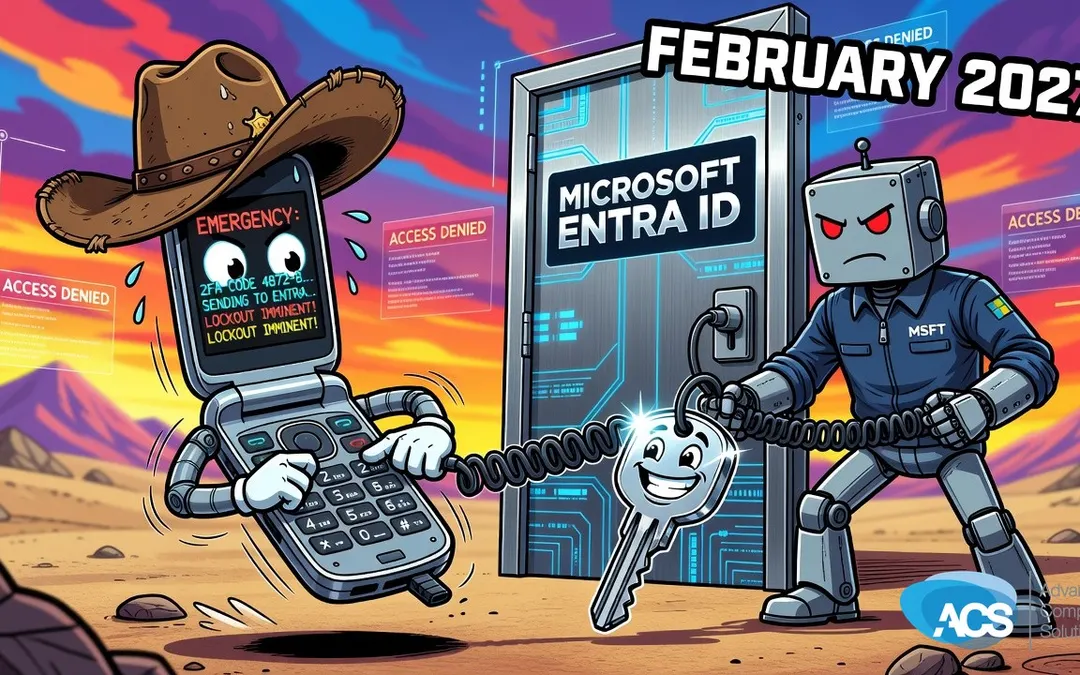
Microsoft Is Killing SMS Logins in February 2027. Time to Make the Switch.
For a long time now, the second factor in a lot of two-factor authentication setups has been your cell phone number. You enter your password, Microsoft texts you a code, you plug in the code, and you’re in. Simple enough. But that’s going away, and honestly, good riddance.
Microsoft is pulling the plug on SMS and voice call authentication for Entra ID in February 2027. That’s roughly 15 months out. Not an emergency, but not something to ignore either.
Why SMS Was Never a Great Idea
Texting a code to your phone is not a solid way to do secondary authentication. It never was. Your cell number can get stolen, and when it does, your whole second factor goes with it. Your security is only as good as whatever your cell carrier has in place, and I would not trust AT&T or Verizon to secure anything. That’s just the reality.
Voice calls have the same problem. Microsoft supported both, and both are going away.
What to Use Instead
I’m a big fan of passkeys. If you’ve got a password manager, which you should have anyway, passkeys fit right into that setup. When you lose a passkey you can recover through your manager. The Authenticator app is also solid. You get a six-digit code generated on your phone, no text message involved, nothing your carrier can intercept. I’ve never lost a six-digit code generator. You don’t have to back that stuff up, and it just works.
Both of those options are significantly better than waiting for a text that could be rerouted to someone else’s phone.
What to Do Before the Deadline
Log into your Microsoft admin center and check how your authentication is currently set up. Find out whether your users are still relying on SMS or voice calls as their second factor. If they are, start moving them over now. You’ve got time to do this right, so use it.
- Log into the Microsoft admin center and review your current authentication settings.
- Identify any users still set up with SMS or voice as their second factor.
- Set up passkeys or the Authenticator app as the replacement.
- Make sure your users have a password manager in place if you go the passkey route.
If you have questions about any of this or want help getting it configured, give me a call. The deadline is real and it will get here faster than you think.
Questions about how this affects your setup? Schedule a free IT consultation and we’ll walk through it with you.
Wherever your team is based, ACS provides hands-on managed IT support — see how we help businesses in Central Florida.