
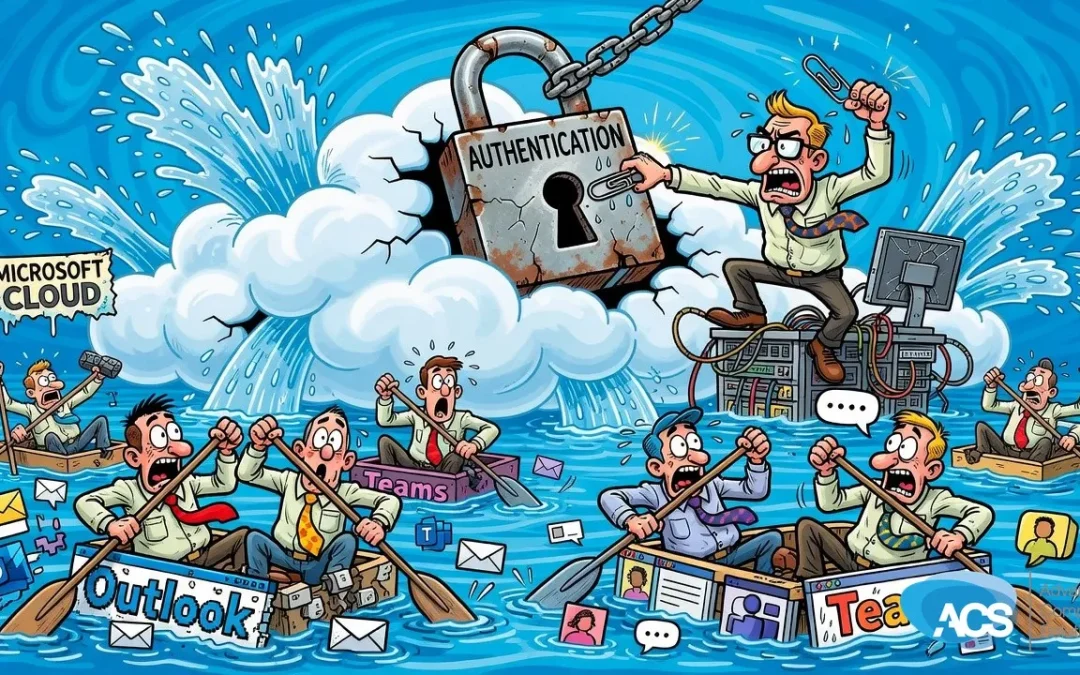
What the Microsoft 365 Outage Should Make Every Small Business Owner Check This Week
Microsoft 365 went down — email, Teams, authentication — and for some users it lasted into a second day. If that happened to your team, how long before things ground to a halt?
What Actually Happened
A significant Microsoft 365 service disruption knocked out email, Teams, and authentication for thousands of users. It wasn’t a blip. Some features were still affected well into the following day. Microsoft Exchange Online took the hardest hit.
Albert ran through the numbers on air and they’re worth sitting with. A 10% productivity drop works out to roughly $150 per employee. For a team of 80 people, that’s around $12,000 in lost output — and that’s just a partial slowdown, not a full stop. A 24-hour outage across your whole team? The math gets ugly fast.
The good news, at least for ACS clients, is that this one didn’t land. As Albert put it on air, “It didn’t affect any of our customers — so we didn’t even know what was going on. And I guess that’s a good thing.” But that’s not luck. That’s preparation.
What This Means for Your Business
Here’s the thing about relying on a single platform for email, communication, and logins: when it goes down, everything goes down with it. Email is gone. Your team can’t get into the tools they need. Nobody can authenticate. And you’re just sitting there waiting for Microsoft to fix it.
The villain here isn’t Microsoft — outages happen, even to the biggest platforms in the world. The real problem is having no fallback when it does. Most small businesses don’t. They’ve built their entire daily operation on top of one service, and when that service hiccups, the whole shop stops.
Albert made the point plainly: “If Microsoft went down for 24 hours, what would that do to your team? Not cool.” And he’s right. It’s not a question of if this happens again. It’s when.
There’s a Related Problem Worth Knowing About
Right alongside this outage story, Albert flagged something that makes the situation worse for some businesses: 22,000 Exchange servers are still sitting unpatched. If you’re running any on-premise Exchange — or if you’ve got Exchange functionality tucked inside your Microsoft 365 setup — and it hasn’t been patched, that’s a serious exposure.
Albert didn’t mince words: “It’s like leaving your doors open, your windows open, and announcing you’re not home for the next week.” If you’re not sure whether this applies to you, that’s exactly the kind of thing to ask your IT person about this week. Not next month. This week.
And if you’re still running a full on-premise Exchange server in 2024, it’s probably time to have a real conversation about moving to Microsoft 365 entirely. The security exposure alone makes it worth the switch.
What To Do This Week
- Ask your IT person whether you have any on-premise Exchange servers or hybrid Exchange functionality — and confirm they are fully patched. This is not optional. An unpatched Exchange server is an open door.
- Map out what breaks when Microsoft 365 goes down. Sit down and actually list it: email, Teams calls, file access, logins. If you don’t know the answer, you don’t have a plan.
- Ask about email continuity services. Albert mentioned that affordable options exist that keep your email accessible even when Microsoft is down. If you don’t have something like this in place, find out what it would cost. It’s probably less than you think.
- Write down a basic response plan. Who does your team call when the tools go dark? Where do they go? What do they work on? Even a one-page document that answers those three questions puts you ahead of most small businesses.
Questions about how this affects your setup? Schedule a free IT consultation and we’ll walk through it with you.
Wherever your team is based, ACS provides hands-on managed IT support — see how we help businesses in Central Florida.