
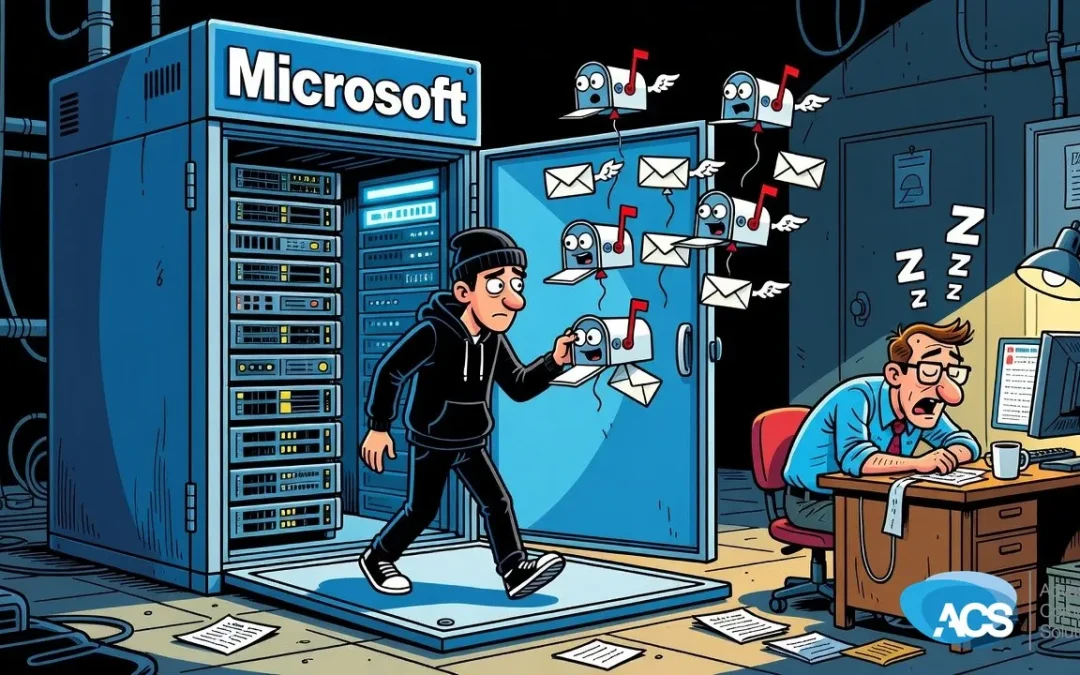
Nearly 22,000 Exchange Servers Have an Open Door — Is Yours One of Them?
If your business is still running an on-premises or hybrid Microsoft Exchange server, this is the one thing you need to check this week.
What’s Going On With Exchange Right Now
Nearly 22,000 Microsoft Exchange servers are sitting out there right now, unpatched against a critical authentication bypass vulnerability. That means an attacker doesn’t need your password, doesn’t need to trick your employees, and doesn’t need to be particularly clever. They just walk in. The flaw lets them take over user mailboxes directly.
And this isn’t some theoretical risk buried in a security research paper. This is a known, documented vulnerability with a patch available — and tens of thousands of businesses just haven’t applied it.
The article also flagged something worth paying attention to: some businesses think they’re off the hook because they moved to Microsoft 365. But if you have any on-premises Exchange functionality still running in a hybrid setup, you may still be exposed. The cloud subscription doesn’t automatically close the door on the server sitting in your back office.
What This Means for Your Business
Albert put it plainly: leaving your Exchange server unpatched is like leaving the doors open, the windows open, and announcing you’re not home for the next week. That’s not a stretch. An authentication bypass at the mailbox level means an attacker can read email, send email as your employees, access attachments, and potentially use that foothold to move deeper into your network.
For a small business — under 100 employees, one IT person or none at all — a compromised email server isn’t just an inconvenience. It can mean exposed client data, fraudulent wire transfers initiated from a spoofed inbox, or a ransomware payload delivered straight to your team. And this came up right alongside a separate story about a days-long Microsoft 365 outage that cost some businesses an estimated $150 per employee per 10% drop in productivity. Email going down hurts. Email getting hijacked is a different category of problem entirely.
The villain here isn’t some shadowy hacker genius. It’s an unpatched server that’s been sitting there, quietly, while the fix has been available. That’s the part that stings — this one is preventable.
What To Do This Week
- Find out if you’re running Exchange on-premises or in a hybrid setup. Ask your IT person directly: “Do we have any Exchange servers running locally, or any on-premises Exchange components tied to our Microsoft 365 account?” If they hesitate or aren’t sure, that’s your answer — you need to dig in.
- Confirm your Exchange servers are fully patched. The specific patch for this authentication bypass needs to be applied. Don’t assume it happened automatically. Exchange servers typically require manual patching, and “we haven’t had problems” is not the same as “we’re protected.”
- If you’re running pure on-premises Exchange, seriously consider the move to Microsoft 365. Albert’s take was straightforward: get off Exchange and get onto Microsoft 365. A fully cloud-hosted setup eliminates this entire category of exposure. It’s not always a fast migration, but it’s worth starting the conversation now.
- If you’re hybrid, audit what’s still living on-premise. Some businesses migrated most of their email to the cloud but left Exchange components running because nobody got around to decommissioning them. If that’s you, those leftover pieces still carry risk and still need to be patched or removed.
The good news is that none of this requires a major project to get started. A quick conversation with your IT provider — or a 30-minute audit of what’s actually running on your network — can tell you exactly where you stand. Knowing is the first step to being in control of this instead of reacting to it after something goes wrong.
Don’t wait on this one. The patch exists. The vulnerability is known. The only variable right now is whether your server is on the list of 22,000 exposed ones — or not.
Questions about how this affects your setup? Schedule a free IT consultation and we’ll walk through it with you.
Wherever your team is based, ACS provides hands-on managed IT support — see how we help businesses in Chicagoland.